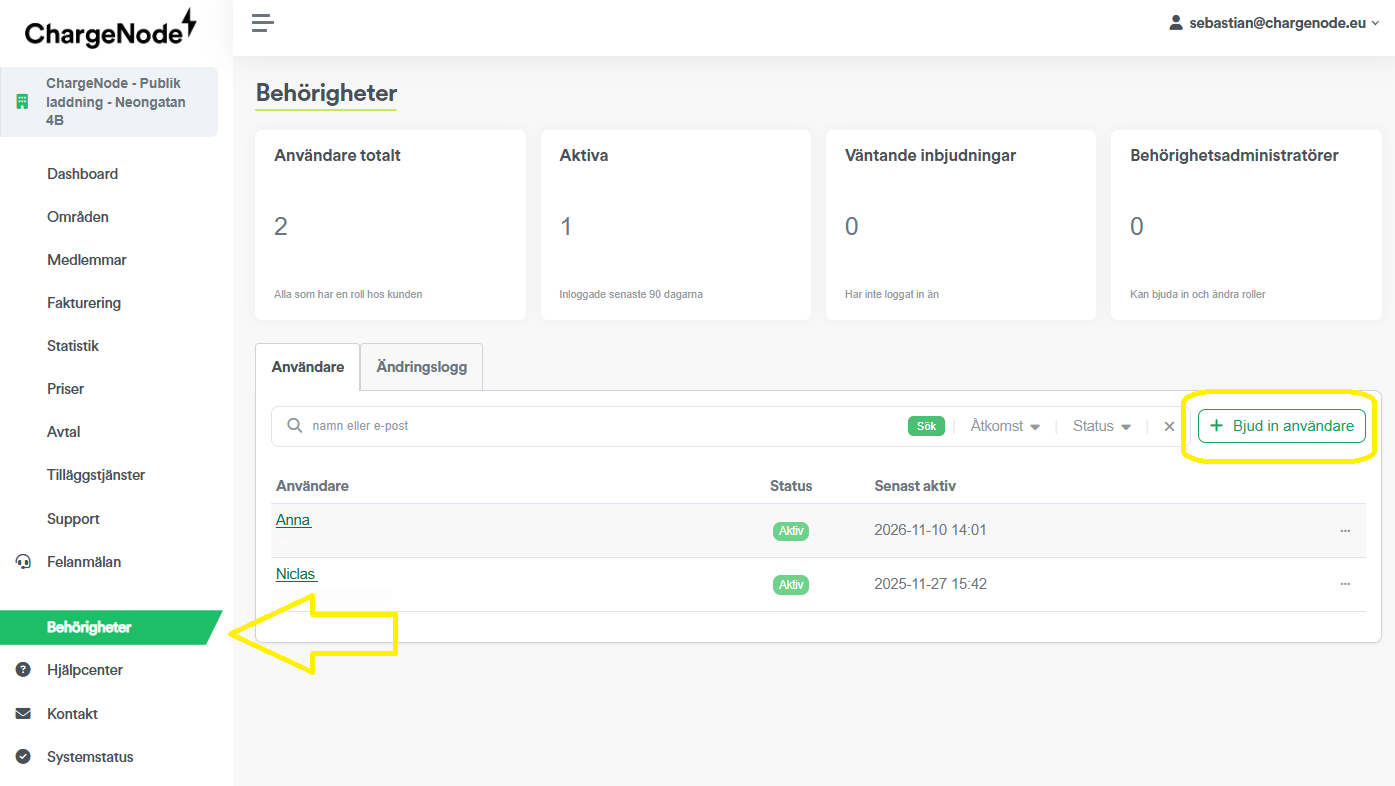
Under permissions you can invite more portal administrators via email address and choose which role the administrator should have. There are three permission levels.
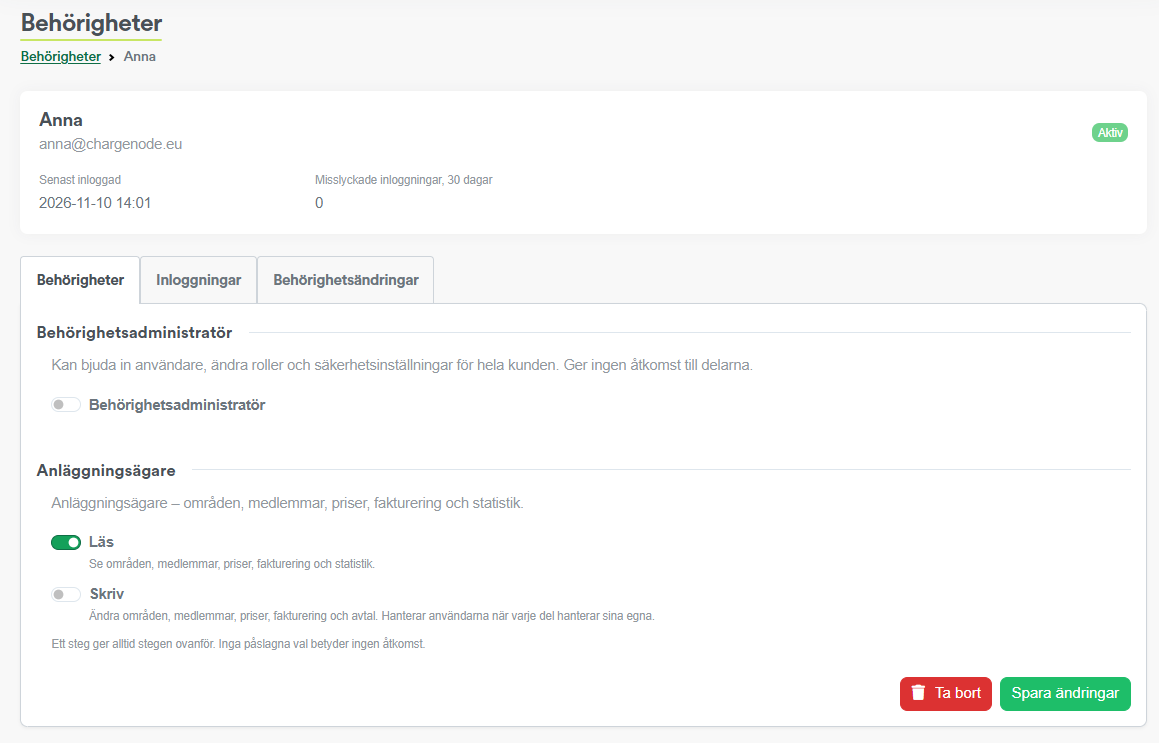
Permission administrator: Controls whether the permission can change and add other administrators in the portal.
Read: Can see everything inside the portal but not change anything.
Write: Can change members and prices, contact details, and apply for additional services.
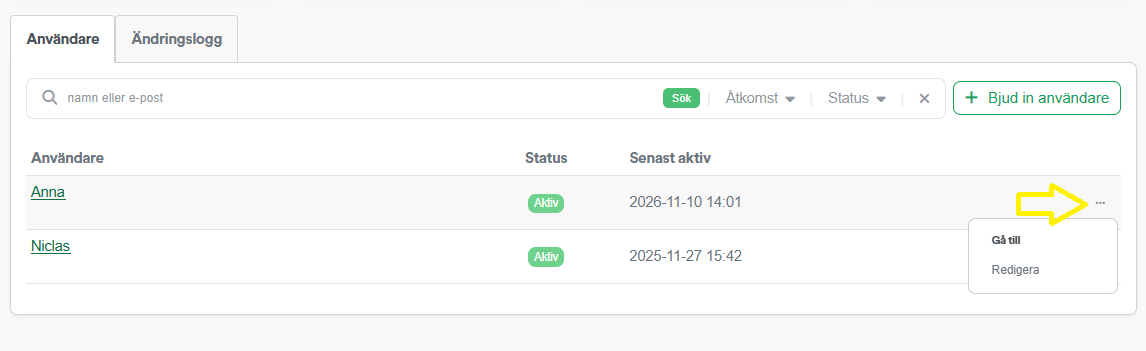
To edit existing permissions, click the three dots to the right of the row (...) and select edit
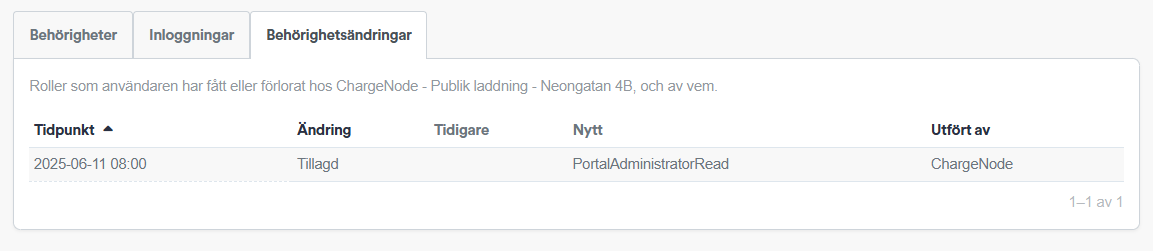
Here you can see information about the user and existing permissions. You can also see the latest logins and permission changes.